

After reviewing TCL’s Q7 65” last year I was delighted to see the upgrades in place with the QM7. With such offerings as QD-Mini LED and killer brightness reaching up to 2,400 Nits. From my first time powering on the TV, I could see the difference and knew my gaming and movie experience was about to be upped a level.
Style
Setting up the QM7(65QM751G) you can see right away the upgrades in design from the Q7. For starters TCL has done away with legs and added a height adjustable pedestal stand. It’s every flat on the bottom so adding a soundbar is fine. I like the stand over the legs because you do not have to worry about measures for your tv stand too much and just the look. When I’m watching TV with the lights dimmed the panel looks like it’s floating in air if that makes sense since there are no legs on the side. This can also be attributed to the FullView metal bezel-less design that goes around the TV. If you look at my unboxing video putting the base together was a three-step process which did not take long. The QM7 itself weigh was on par with the Q7 coming in at about 49lbs.
Connections are all on the right giving you four HDMI ports with all supporting 4K with one doing 144Hz, another 120Hz, and the other two 60Hz. That last port also does (e)ARC which is handy if you want to utilize a sound bar system that supports it. If needed there are also ports for USB.20, Ethernet, Optical, and Coax. Those HDMI ports were being used by a PS5, Xbox Series X, and Nintendo Switch.

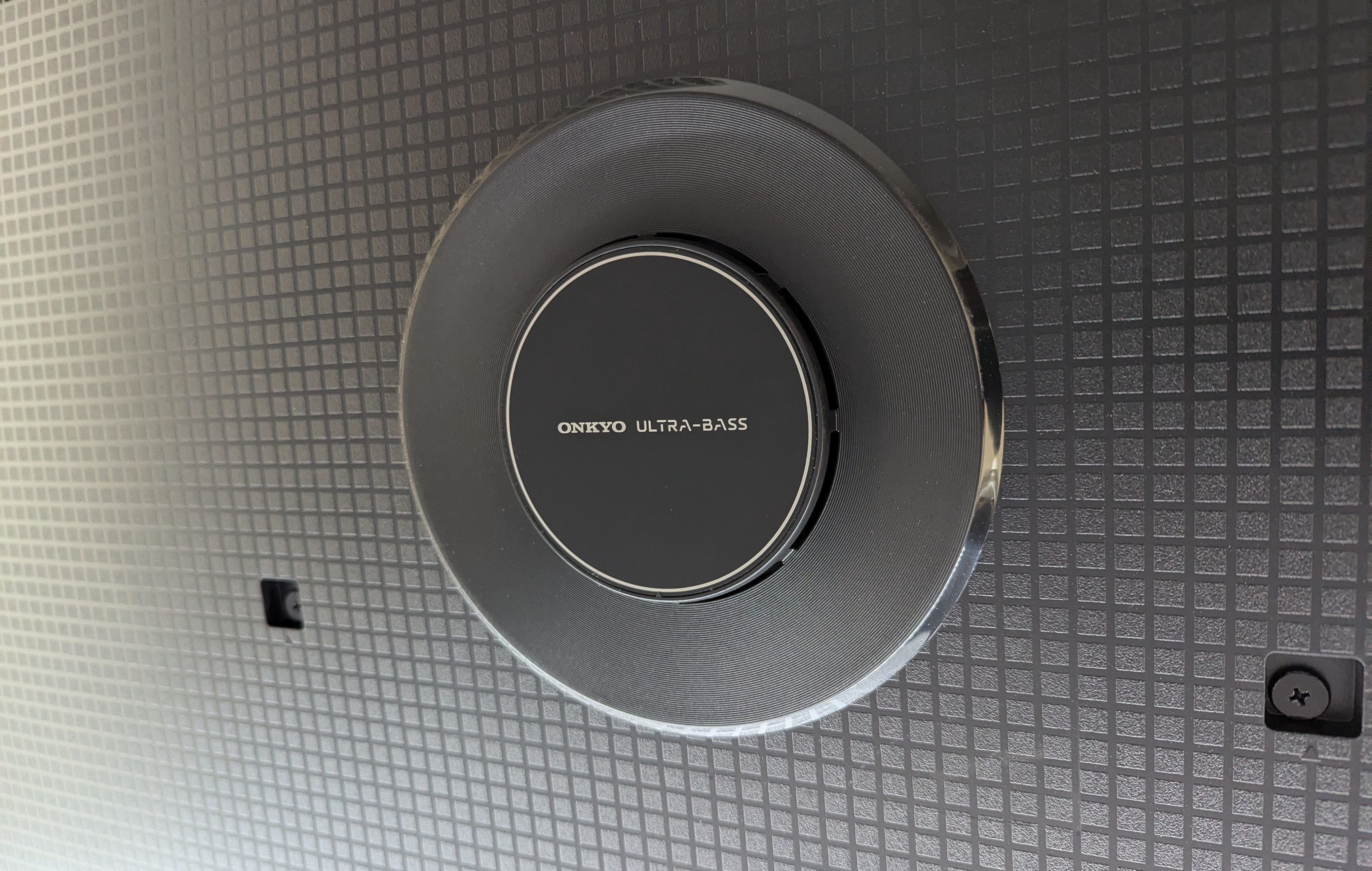
An addition I was surprised by with the QM7 over its predecessor was the Onkyo 2.1 Speaker System setup. Usually with TV speakers they are okay but then later gravitate towards using a proper sound system. But the audio coming from Onkyo wasn’t bad. It was room filling to say the least and I used it with a good deal of Dolby Atmos content like watching Terminator: Dark Fate via Fandango at Home or Agatha All Along on Disney+. It’s not the most detailed and you can tell at some points but can get the job done till you upgrade to something bigger.
Navigation / Apps / Features
This TV uses Google TV as its UI, and I am so familiar with how it works on a TCL TV now. Soon as I power on the QM7 it pops up waiting for me to select what kind of content I want to consume. It is fast and snappy and is easy for someone to jump right into. It works well with casting if you are using Google related apps and AirPlay2 wasn’t bad at times. Remote is the same as last year with it being tall, slender and a bunch of buttons such as google assistant, account swapping, and dedicated buttons for Netflix, Prime Video, YouTube, Apple TV, Pluto, and TCLtv. It also is backlit which is not bright but good enough to see in dim conditions.
What to Watch?

Consuming content on the QM7 has been a pleasure for my eyes. Especially with me trying to catch everything in its highest 4K glory. With features such as High Brightness Ultra I found the 2,400nits peak brightness to be a treat to my eyes. Watching movies like Doctor Strange and the Multiverse of Madness I can see more detail with flesh and just color detail amped up. I really noticed this on Spider Man: Across the Spider Verse (I watch it a great amount) and felt I got more color than previously viewings. HDR Ultra with Dolby Vision IQ also lends a hand and there are different options for Dolby Vision such as IQ, Dark, and Bright.
What to Play?
I have been saying TCL TVs are slept on when it comes to gaming. They have so much support for gamers. There is VRR, AMD FreeSync, Game Accelerator 240, and all this gets optimized perfectly with Auto Game Mode (ALLM). It fires up soon as I power on my PS5 or Xbox Series X. If you hold the toggle button on the remote you can access more options such as Aiming Aid, it will tell you the frame rate you are running at and other tidbits. You can decide to have it up the whole time or take it down at your leisure.

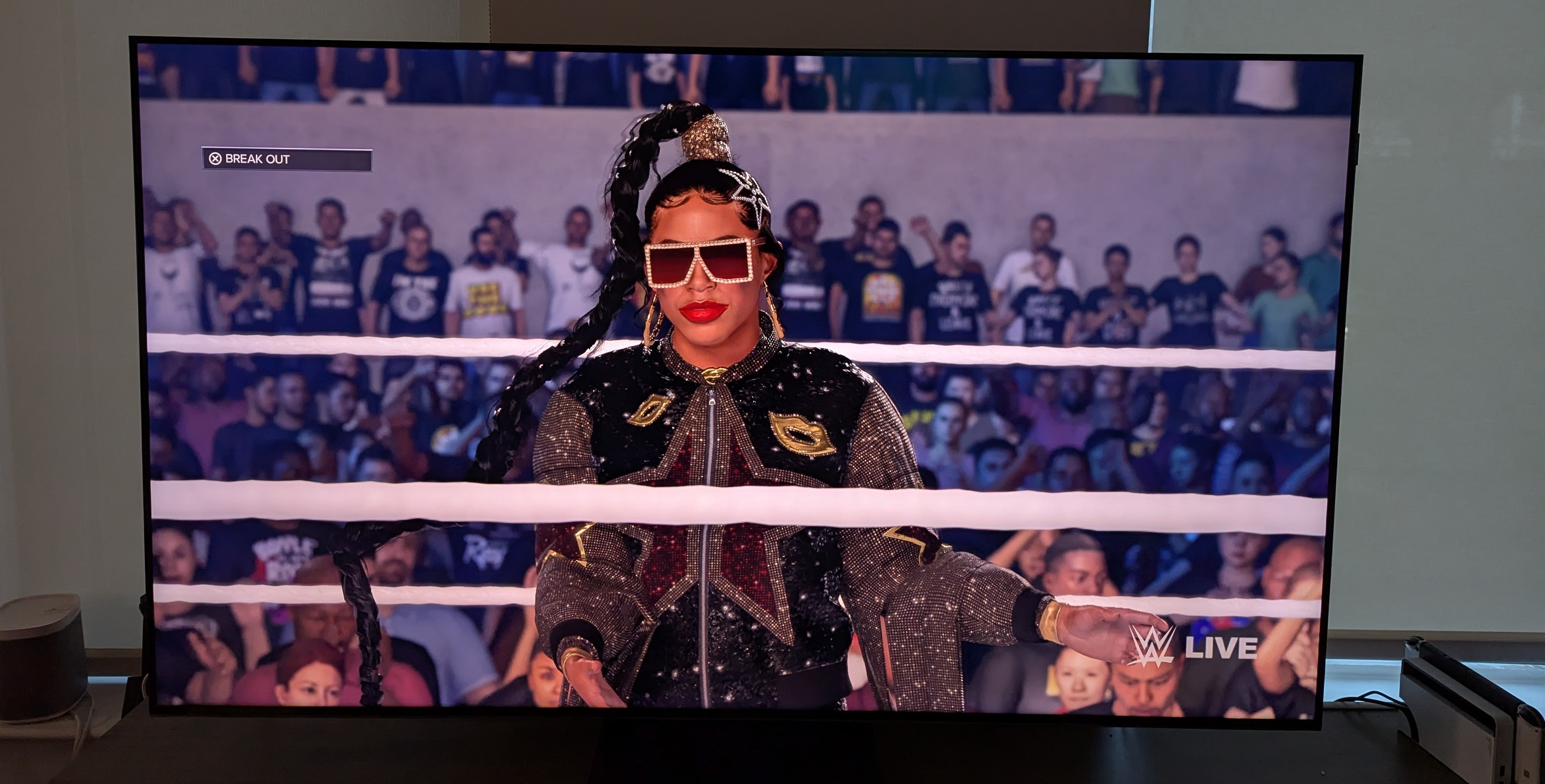
While I usually play a good amount of Forza Horizon 5 on the Xbox, Senua’s Saga: Hellblade II looks phenomenal on this TV. It also helps that Xbox Series X can use Dolby Vision on its titles and I love to see that little notification on the TV pop up. There are areas in this game where it gets dark, and it looks great. As far as PS5 I have been gaming a lot with WWE 2K24 which has a lot going for it in the color department and the QM7 grasps that and makes it look lovely. The sound system works wonders with these games as well, pulling me into the action.


Worth the Price Tag?
This TV is quite the step up from the Q7. Giving you a better experience with more colors, higher brightness, and a sleeker looking design. Its built-in sound system does wonders and is one of the better ones I have used incorporated into a TV. QM7 is excellent for gaming as I can’t think of a hiccup or issue, I had even gone for long extended periods.

The QM7 65” retails for $1499 but I have mostly as of right now at $999 at locations such as Amazon and Best Buy. I have even seen it drop to around $800 which is a crazy steal if you can catch it. I don’t have much gripes about this TV and a welcome addition to helping you go through your gaming backlog or various movie 4K titles.
You can check our unboxing video of the TCL QM7 on Tiktok / Instagram.

