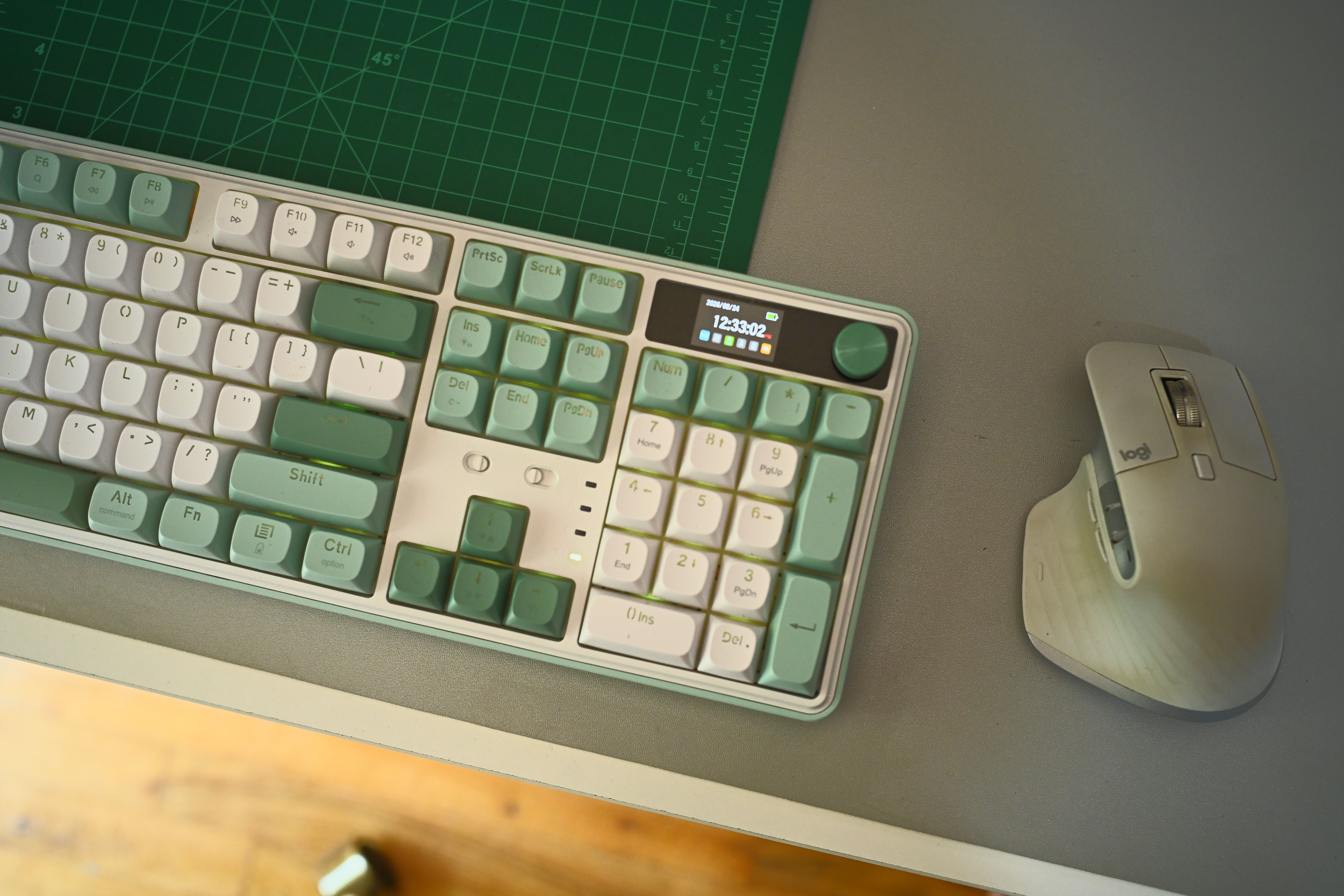

Redragon has made a name for itself as the makers of affordable gaming keyboards that don’t skimp on features. The WYVERN K761 Pro is a full-sized (104 keys, including a full number pad) keyboard with tons of connectivity, a multi-function knob, and linear Mint Mambo switches. Aggressively priced, this keyboard aims to be the one keyboard that can do it all – from productivity applications to gaming. After spending a month with the WYVERN K761 Pro, am I ready to replace my old Keychron K2?
WYVERN K761 Pro Tech Specs
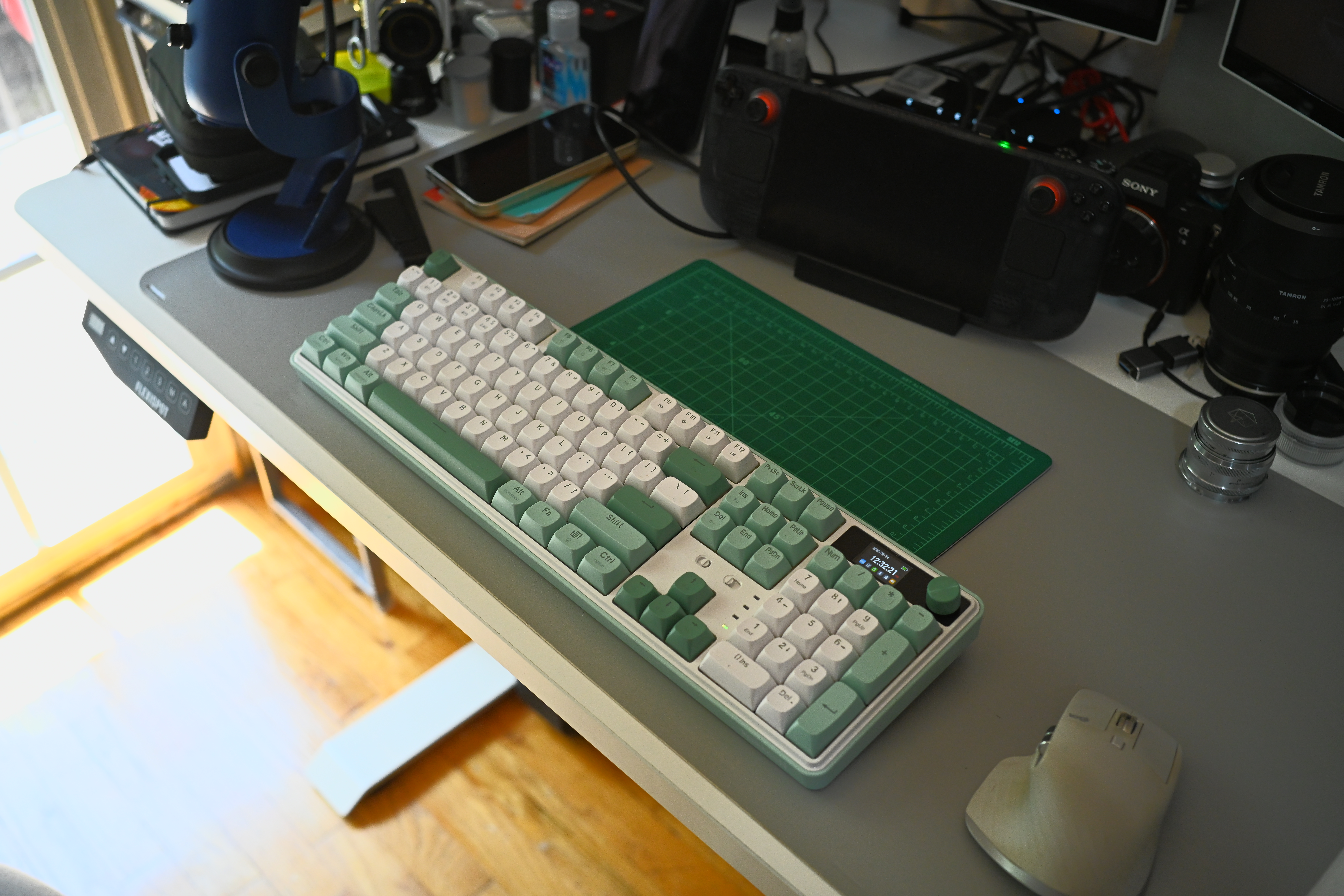
The following list of technical specs and features was taken from the Redragon product page:
- 104 Keys Full Size Mechanical Keyboard
- LCD Screen & Knob
- Round PBT Keycaps
- Vibrant RGB Shine-Through
- 3-Mode Connectivity
- 5 Sound Absorbing Pads
- Hot-Swap Socket
- Linear Mint Mambo Switch
- Macros & Software Support
- Win/Mac Mode Compatible
Beyond the keyboard itself, inside the box you’ll find a USB-C to USB-A cable, the 2.4GHz dongle, extra Mint Mambo switches, and a key cap/switch puller. Having a hot-swappable socket means you can easily customize your typing experience – mixing and matching different switches to fit your preferred typing experience.
Daily Use and Productivity with the WYVERN K761 Pro
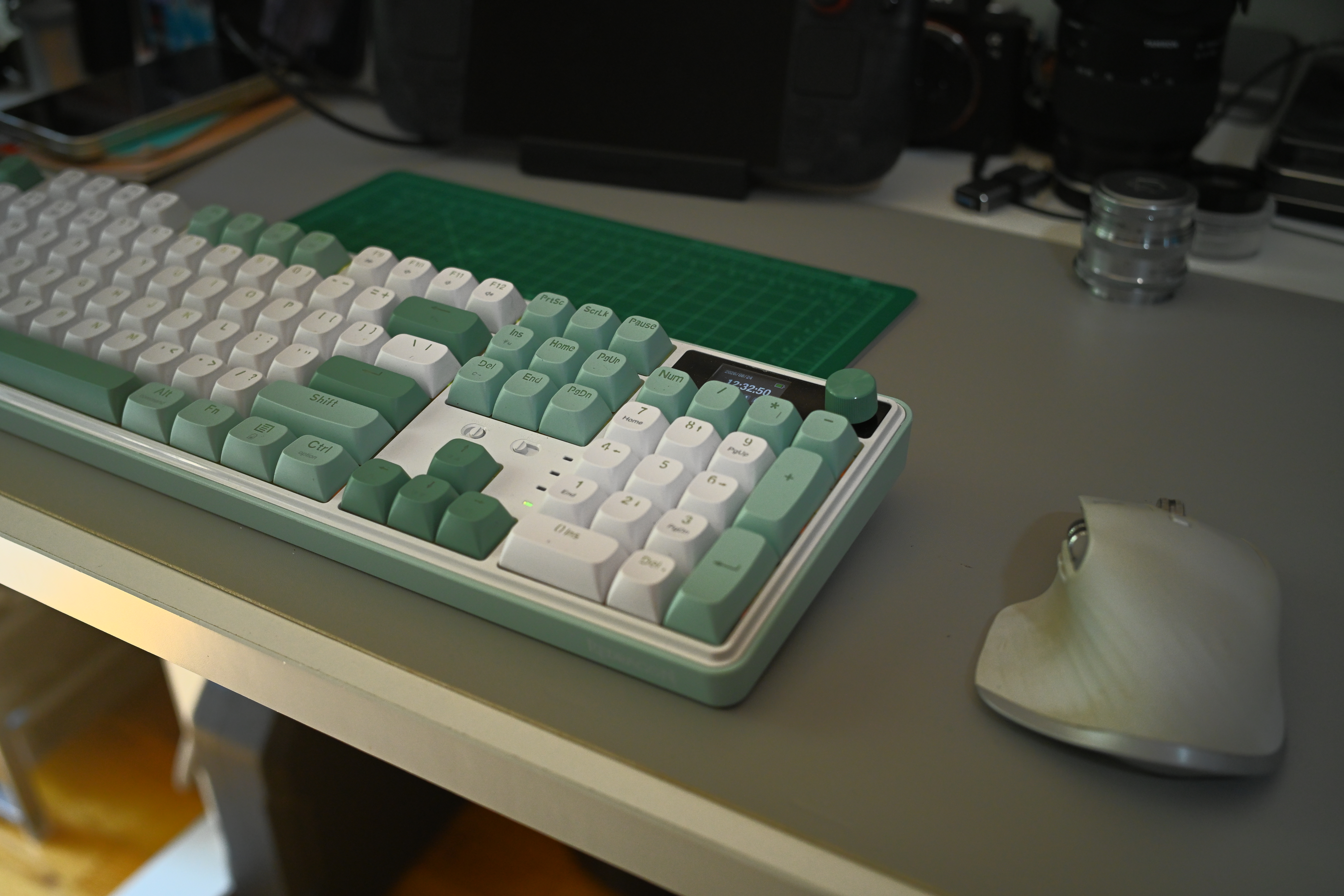
When the WYVERN K761 Pro first arrived, I was a bit hesitant to really give it a try. I’ve been using compact keyboards for so long, I’ve largely built my work surface around the 75% K2 Keyboard that I’ve been using since 2019. Going back to having a full number pad on a keyboard should have felt far more natural than it did, but once I reacclimated myself to using it, I don’t think I’ll want to go back – at least not during my monthly invoicing.
As a working journalist and product reviewer, I log in hundreds of hours on keyboards. I’ve tried several keyboards and tossed more than my fair share of them because they are uncomfortable, too loud, or simply just not very attractive to look at (yes, I occasionally peek at the keyboard when I type). The WYVERN K761 Pro sports slightly concave key caps that naturally contour to the shape of my fingertips, making typing an enjoyable experience.
Sound test
Unlike other budget mechanical keyboards, the K761 Pro uses a gasket mount design and sound dampening panels to give the keyboard a very pleasing, “thocky” sounds when typing. If you’re new to the world of mechanical keyboards, the “thock” sound is a mix between a click and bassy thump with each actuation of the key. In this respect, the Redragon WYVERN has a beautiful, subtle sound that is audible without being distracting.
Redragon and MacOS
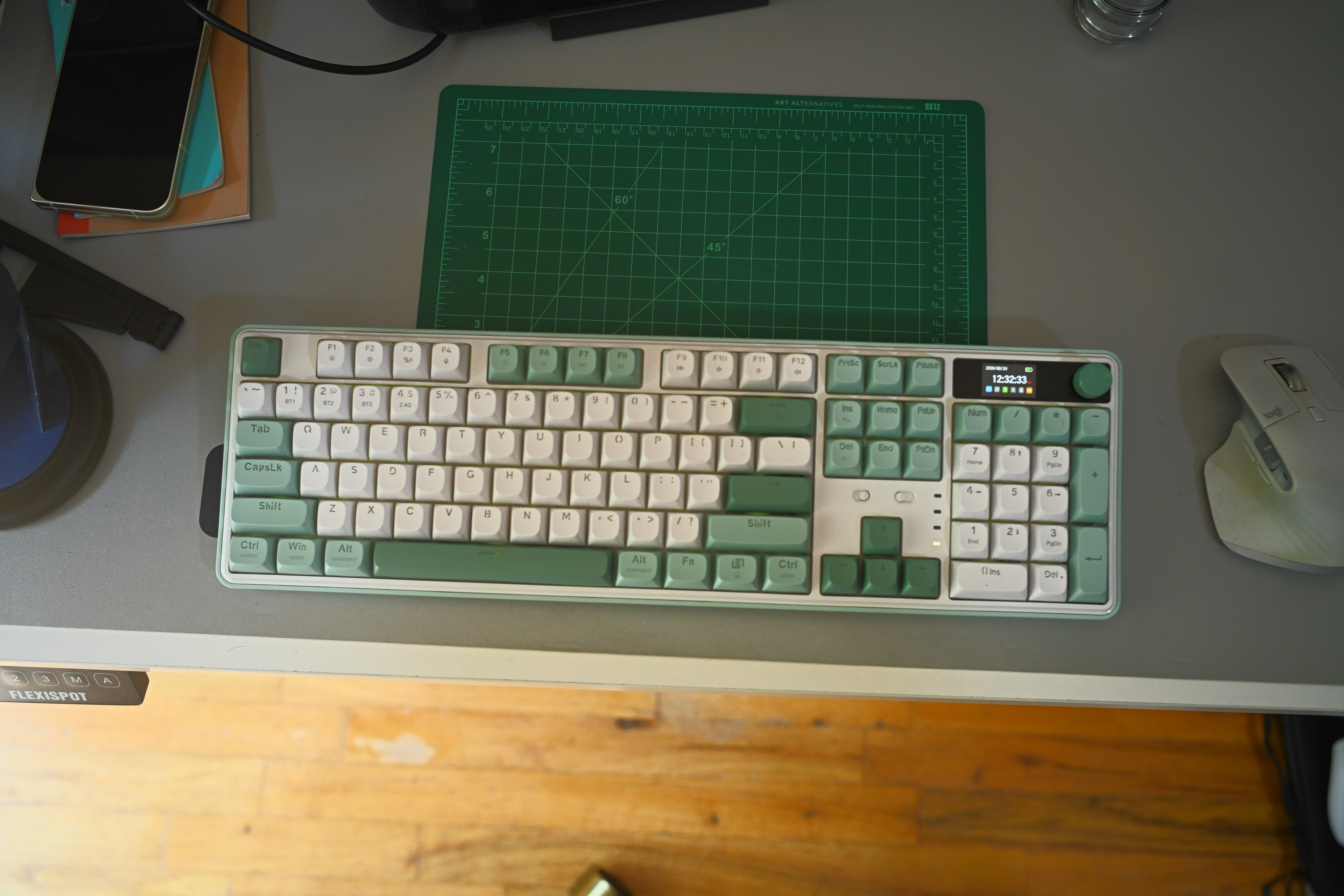
The Redragon K761 Pro is a highly customizable keyboard that can support macro commands with the free Redragon Keyboard software. Unfortunately, this is where Mac users like myself end up missing out – the software is only available for Windows users. You could always use a virtual machine to download the software and make the changes you’d like. The tiny LCD screen above the number pad is customizable – you can upload your own static image or GIF, but that is also limited to the Windows-only software.
Who Should buy the Redragon WYVERN K761 Pro
The Redragon WYVERN K761 Pro is built for gaming – with its low latency 2.4GHz connection, it allows you to use this keyboard wirelessly without fear of input lag on your favorite games. When your needs shift to work or productivity, the large, full-sized keyboard layout makes long slogs in front of your word processor or spreadsheet app more comfortable, even if you don’t find those tasks enjoyable. If you’re willing to buy a case for it, it’s light enough to travel (though you’d probably be better served by a dedicated travel keyboard).
At $75 USD, the WYVERN K761 Pro isn’t a budget keyboard, it’s literally the best value for any entry-to-mid-range keyboard you can buy today. I’ve thoroughly enjoyed using the keyboard for work and play. Four out of five stars.
You can pick one up for yourself on Amazon or directly through Redragon.
Pros
- Full-sized 104-key layout includes a number pad, making it especially useful for productivity tasks like invoicing and spreadsheet work.
- Strong value at $75 USD, offering entry-to-mid-range buyers a feature-rich mechanical keyboard at an aggressive price.
- Flexible three-mode connectivity supports both gaming and productivity use, including a low-latency 2.4GHz wireless connection.
- Comfortable typing experience thanks to slightly concave round PBT keycaps that contour naturally to the fingertips.
- Gasket mount design and five sound-absorbing pads deliver a pleasant, subtle “thocky” typing sound without being distracting.
- Hot-swappable sockets make it easy to customize the feel of the keyboard with different switches.
- Includes useful extras in the box, such as a USB-C to USB-A cable, 2.4GHz dongle, extra switches, and a keycap/switch puller.
- Windows/Mac mode compatibility helps it fit into different setups.
Cons
- Redragon’s customization software is only available for Windows, limiting macro setup and LCD screen customization for Mac users.
- The full-sized layout may feel awkward or take time to readjust to for users accustomed to compact keyboards.
- Although light enough to travel with, its size makes it less ideal than a dedicated travel keyboard.
- Despite its strong value, it may not be considered a true budget keyboard at $75 USD.

