

Gaming chairs have reached a point where meaningful innovation is becoming increasingly difficult. We’ve seen countless iterations that refine comfort, improve materials, or tweak ergonomics, but few products genuinely feel different. The Razer Soma Chroma immediately caught my attention because it attempts something I’ve never seen executed this well: integrating RGB lighting into the chair as part of the gaming experience. Razer positions the Soma Chroma as its first RGB gaming chair, combining reactive Chroma lighting with an ergonomic design intended for marathon gaming sessions. After spending a good amount of time using it for gaming, long workdays, and streaming, I came away pleasantly surprised. The RGB may be the headline feature, but what mattered most to me was whether it could stand on its own as a comfortable ergonomic chair.
I’m 6’1″ and around 270 pounds, comfort is usually my biggest concern with gaming chairs. Seat width, pressure distribution, lumbar support, and long-term fatigue all play a much bigger role than flashy features. The good news is that the Soma Chroma addresses those concerns exceptionally well, making the RGB lighting feel like a bonus instead of the primary selling point.
Build Quality & Specifications
The Soma Chroma feels every bit like a premium Razer product. Assembly was refreshingly straightforward, with clear instructions and very little frustration. Within a short amount of time, the chair was fully assembled and ready to use, something I always appreciate with larger furniture purchases.

The overall construction inspires confidence. The reinforced steel frame feels solid, while the chair itself remains stable whether sitting upright during competitive matches or reclining to relax. Nothing creaks, shifts, or feels inexpensive. It gives the impression that it’s built to handle years of regular use.
Specifications
| Feature | Details |
|---|---|
| RGB Lighting | Reactive Razer Chroma RGB with support for 300+ games |
| Lighting Options | 16.8 million colors and 10 lighting presets |
| Lumbar Support | Built-in ergonomic lumbar arch |
| Cushioning | Dual-density cold-cured foam seat |
| Recline | Up to 155° |
| Connectivity | 2.4GHz wireless for PC and Bluetooth for mobile |
| Power | USB-C via wall adapter or external power bank |
| Controls | Integrated onboard control panel |
| Frame | Reinforced steel construction with 5-star steel wheelbase |
| MSRP | $499.99 USD |
Comfort & Ergonomics
Looking at the cushion initially, I expected it to be overly firm. My first impression was that extended sessions might become uncomfortable, especially considering my size. Once I actually spent time in the chair, however, that perception changed quickly. The dual-density foam gradually conforms to your body, distributing weight naturally instead of creating pressure points. My glutes simply weren’t fatigued the way they often are with narrower or stiffer chairs.
Seat width also deserves praise. Larger users are often forced into racing-style chairs that hug the hips too aggressively. The Soma Chroma gives me enough room to sit comfortably without feeling confined, making it far more accommodating during lengthy sessions. Heck, I even sit with one of my legs folded it, which is insane. I also appreciate Razer’s built-in lumbar arch. It strikes a balance that many ergonomic chairs struggle to achieve. The curve is supportive enough to encourage good posture without aggressively pushing your lower back forward. It never felt intrusive, and I found myself maintaining a more natural sitting position throughout the day.
RGB Features & Everyday Experience
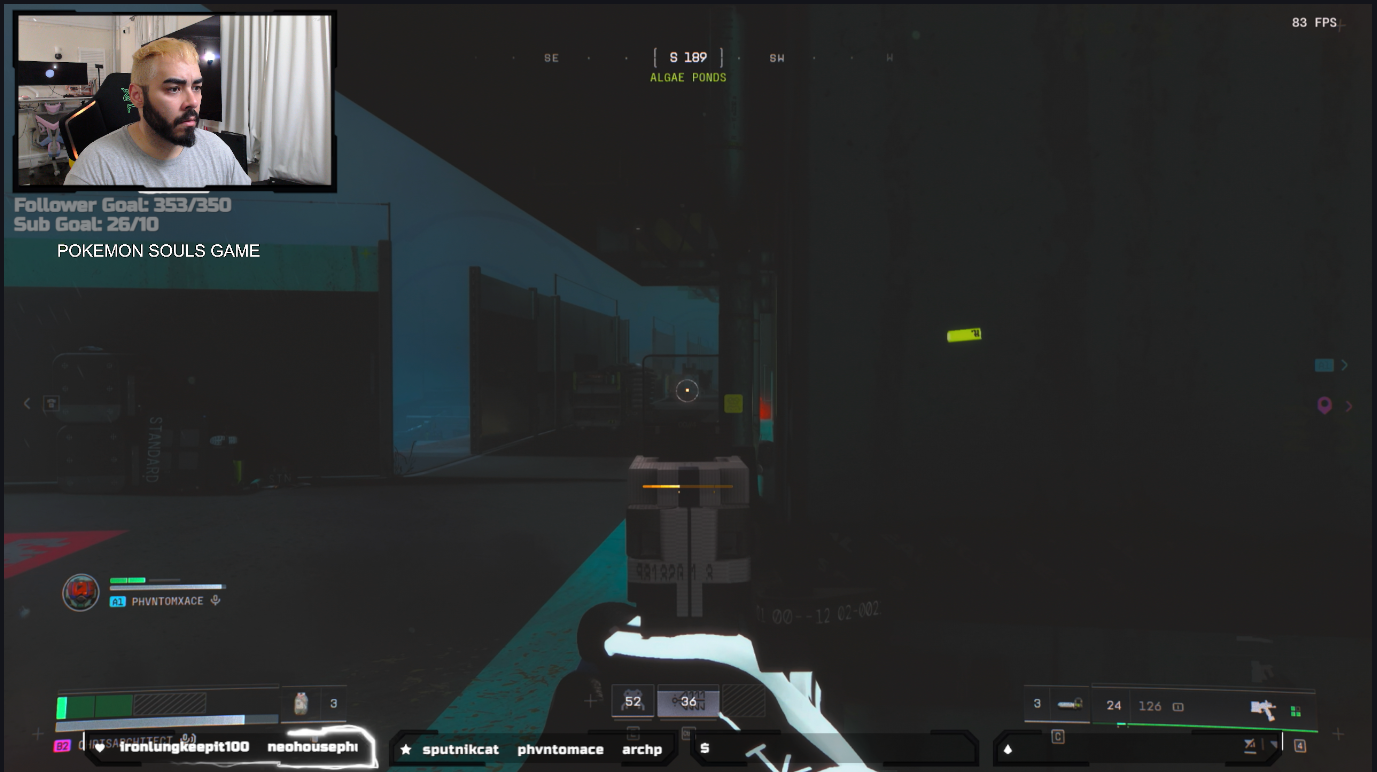
The reactive Chroma lighting is undeniably cool. Watching the chair respond to supported games adds another layer of immersion to a gaming setup, particularly in darker environments. Razer Synapse offers extensive customization with millions of colors and multiple lighting presets, making it easy to match the chair with the rest of your battlestation. That said, during actual gameplay I found myself noticing the RGB less than I expected. Even at maximum brightness, once I’m fully immersed in a game my attention naturally stays on the monitor rather than the lighting around me. I don’t consider that a negative—it simply means the RGB becomes part of the atmosphere instead of demanding attention.
Ironically, I think the RGB shines brightest while streaming. On camera, the Soma Chroma looks fantastic. It immediately stands out behind you and gives your setup a premium appearance that viewers will notice. If you’re a content creator, this chair contributes just as much to your visual presentation as it does your comfort.
Features I Missed

As much as I enjoyed the Soma Chroma, there are a few features from the Razer Iskur V2 that I genuinely missed. The biggest omission for me is the adjustable lumbar system. While the integrated lumbar arch is comfortable, I still prefer having the ability to fine-tune its position depending on how I’m sitting throughout the day. I also missed the Iskur V2’s bidirectional armrests, specifically the ability to move them inward toward my waist. During competitive shooters, I like positioning my elbows closer to my body for a tighter, more focused posture. The Soma Chroma’s armrests are perfectly functional, but I would have loved to see that additional range of adjustment carried over.
Powering the RGB is another area that may divide buyers. The chair can be powered through USB-C using either a wall adapter or an external battery pack. While relying on a power bank can feel cumbersome, I actually appreciate that Razer gives users multiple options instead of forcing a single solution. If your desk allows for clean cable management, running a longer USB-C cable effectively creates a permanent setup that requires very little maintenance.
REVIEW SCORE: 8.5/10
The Razer Soma Chroma succeeds because its biggest question mark ends up being one of its biggest strengths. Before sitting in it, I wondered whether the RGB would overshadow the ergonomics. Instead, I found an exceptionally comfortable gaming chair that happens to feature impressive RGB integration. The supportive lumbar curve, accommodating seat width, and foam cushioning made extended gaming sessions surprisingly easy, eliminating the comfort concerns I initially had.
Could it borrow a few more premium adjustments from the Iskur V2? Absolutely. Those additions would make an already strong chair even better. Even so, none of those omissions prevented me from genuinely enjoying my time with it. If you’re looking for an ergonomic gaming chair that’s comfortable enough for all-day use while adding a unique visual element to your battlestation or stream, the Soma Chroma is an easy recommendation. Razer has built a strong foundation with its first RGB gaming chair, and I’m excited to see where future iterations take the concept.
For more on Razer and gaming, follow my socials here – I also stream Mon-Sat @9pm ET over on Twitch, TikTok, and YouTube

