

OnePlus for the first time in early 2023 changed its approach on phone releases having just one major flagship drop with the OnePlus 11. It held them down for a decent portion of 2023, but they decided to shake the mobile landscape up with their first foldable, the OnePlus Open.
In the U.S., the foldable market has been held down by Samsung with their Z Fold / Flip series, Moto with their RAZR line, and Google themselves entering 2023 with the Pixel Fold. But just what makes the OnePlus Open so good and why I haven’t been able to put it down?
Style
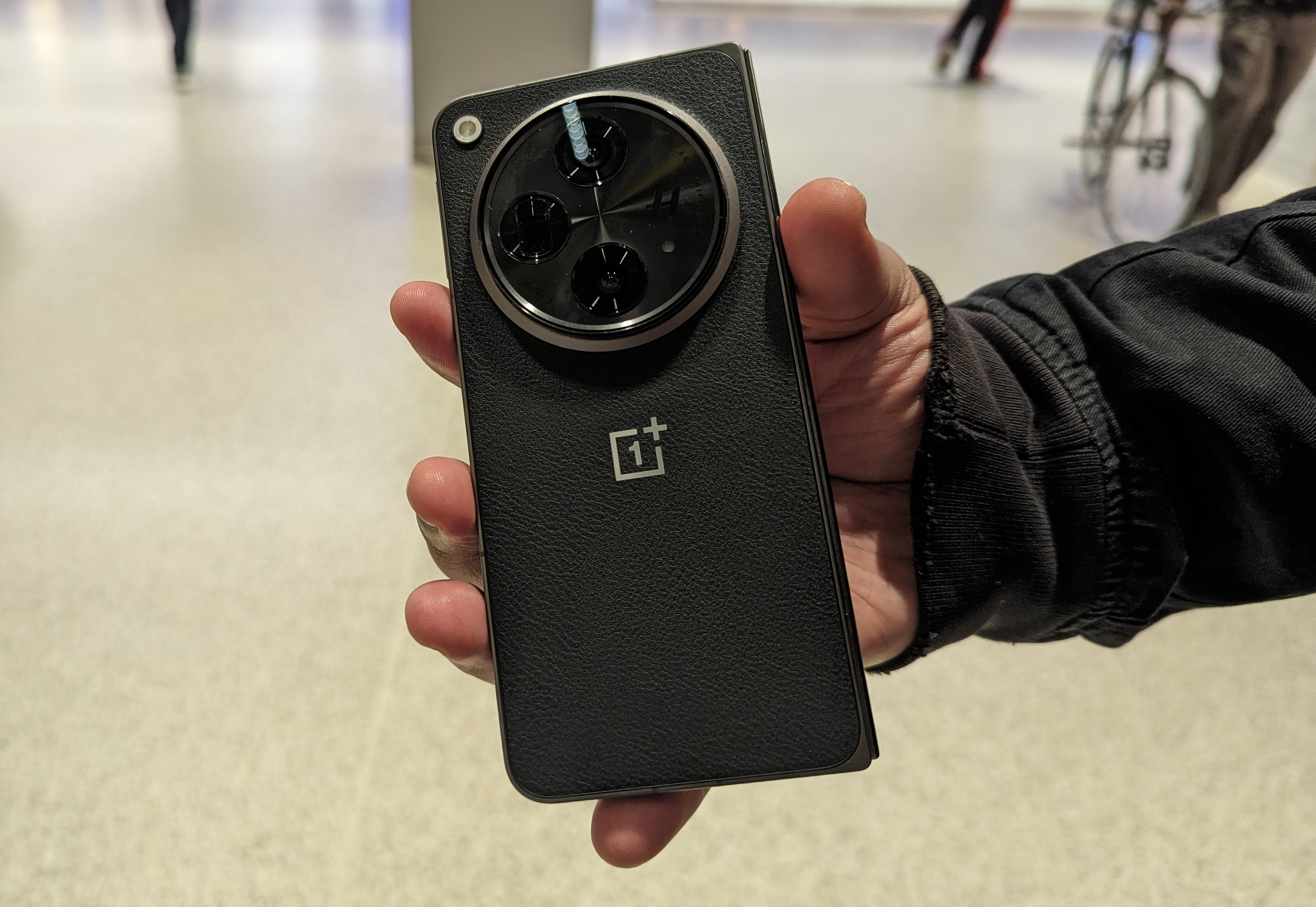
For starters, the OnePlus Open comes in two colors of Emerald Dusk which has a matte frosted glass backing while the Voyager Black features vegan leather adding a nice top of sophistication to your foldable. Honestly when I heard the colors, I usually go for the brighter ones but once I got the phone, I was happy to get Black. It’s one of the lightest foldables out there with it only weighing 239g. Unfolded it is 5.8mm while 11.7mm folded.
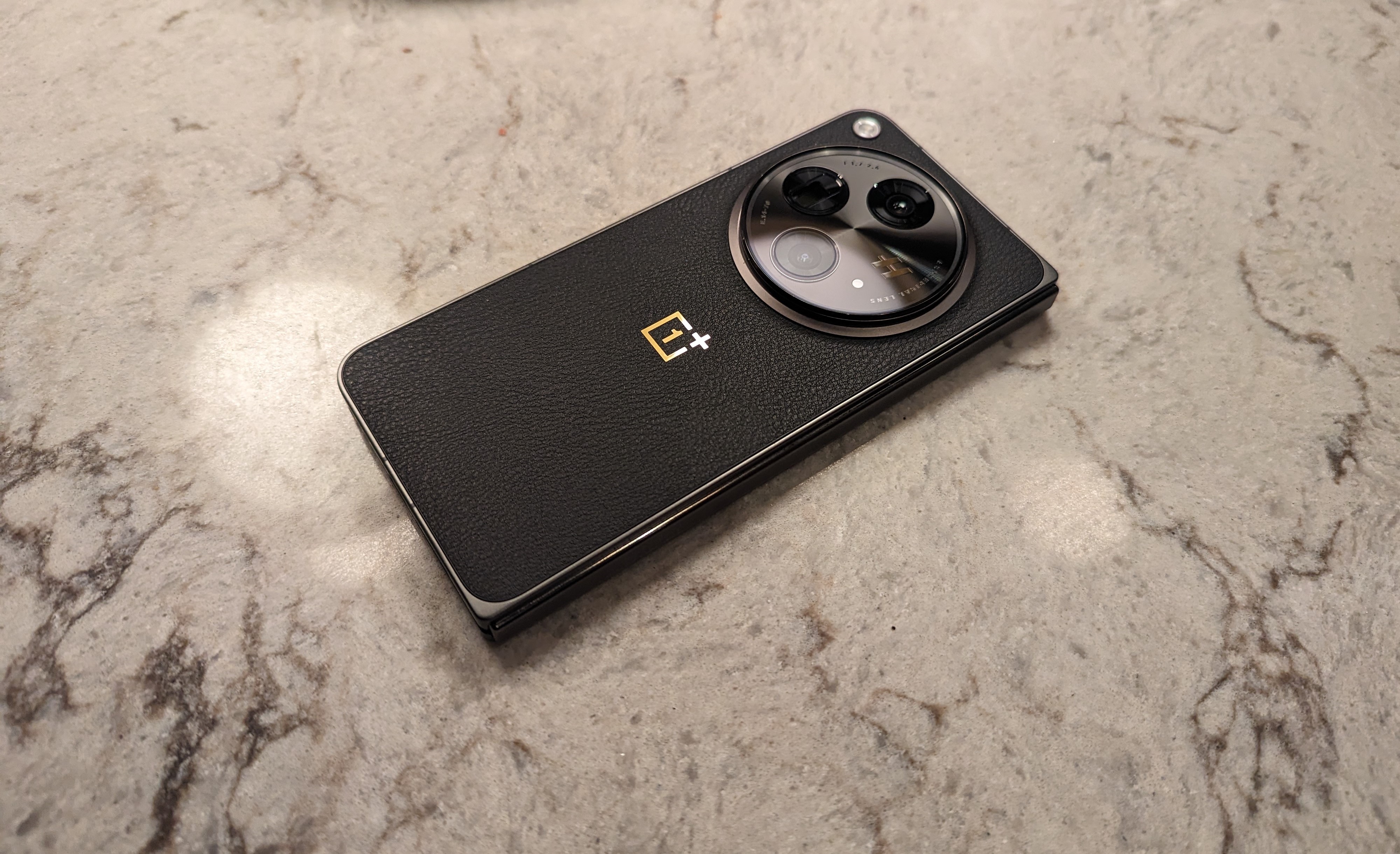
It features a USB-C port on the bottom, stereo speakers, volume rocker, and its power button doubles as a fingerprint sensor while there is the good old OnePlus Alert Slider. As usual over time it has gotten better because at first it was finnicky. Now it’s instant unlocking my device.
OnePlus managed to go a different route building the Open using different alloys such as cobalt molybdenum and titanium on most of its body while its hinge spine is zirconium-based amorphous. This makes the phone lighter and quite durable. I have dropped it a few times and surprisingly it’s still intact.
Hardware
OnePlus made sure unlike some foldables they were going to pack this with everything they could manage. You are getting a Snapdragon 8 Gen 2 chipset, Adreno 740, an astonishing 16GB RAM, huge 512GB storage and a 5K mAh battery (4805 mAh). Like the OnePlus 11 it doesn’t have wireless charging, but the tradeoff is the super-fast charging. Going from 1-100% in 40mins works fine for me. Battery has improved for the past few months too.
With all that RAM, the OnePlus Open does a fantastic job of retaining memory, especially for games. Usually even on my more leisure titles after a while my phone would close that app to preserve RAM but that’s not the case here. I have reopened apps hours or even a day later and am still in the same position.
In and Out Displays
OnePlus got a lot of folks with the way they managed their Cover Screen and Inside Display. The Cover Screen is a 6.31” Super Fluid AMOLED 120Hz display that can hit up to 2800nits peak brightness. It’s covered in Ceramic Guard for protection and has an additional layer of screen protection just in case as well. But this display gets so much love because of how wide it is. It’s on-par with single displays and not narrow like other foldables. I honestly use this screen more than the Inside.


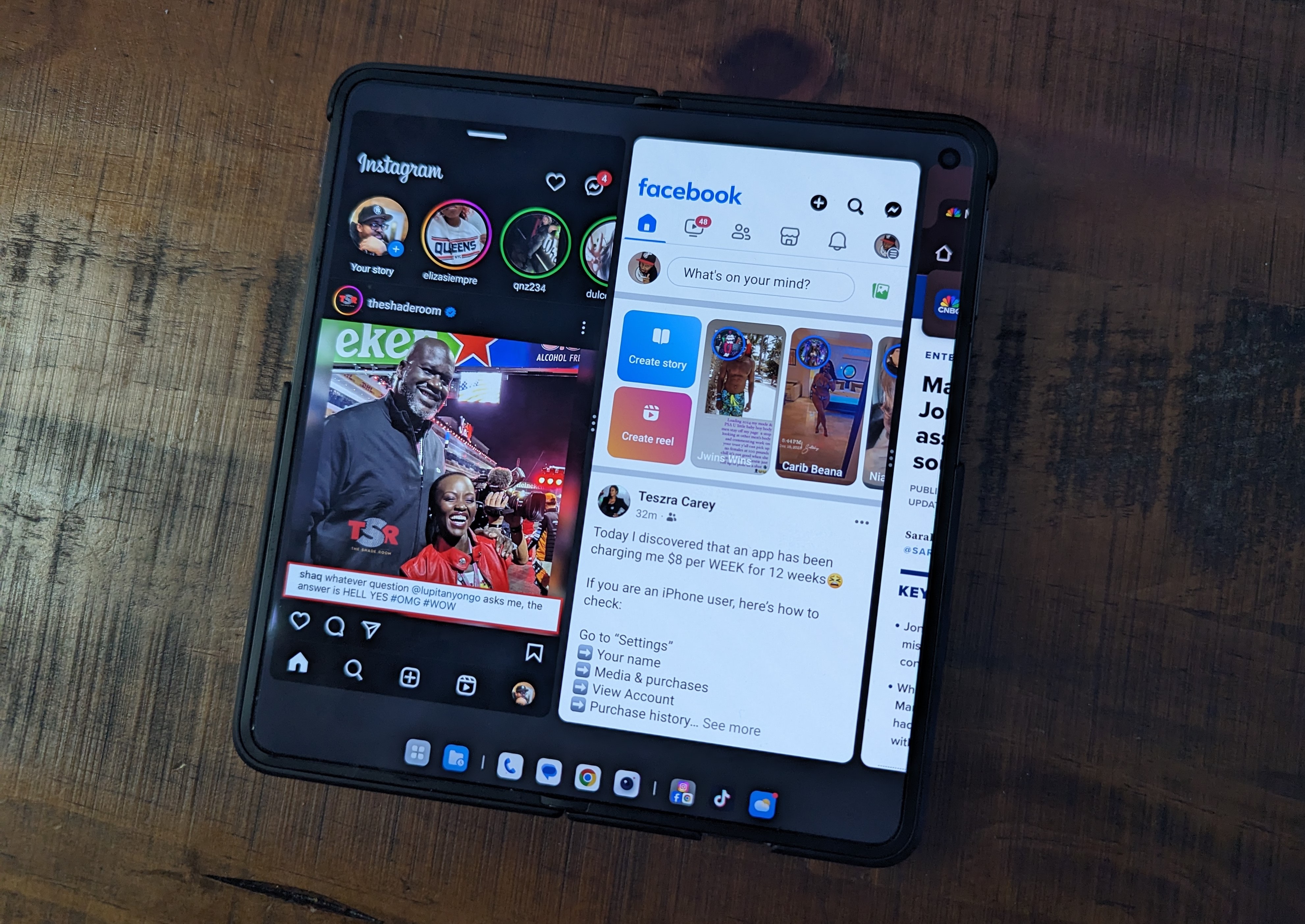
But once you open the phone you are presented with a 7.82” Flexi-fluid AMOLED 120Hz display that also hits up to 2800nits of peak brightness. OnePlus managed to hide the visual crease quite a bit thanks to that layer of Ultra-Thin Glass applied. It doesn’t come off as glossy thus not making it an eyesore.
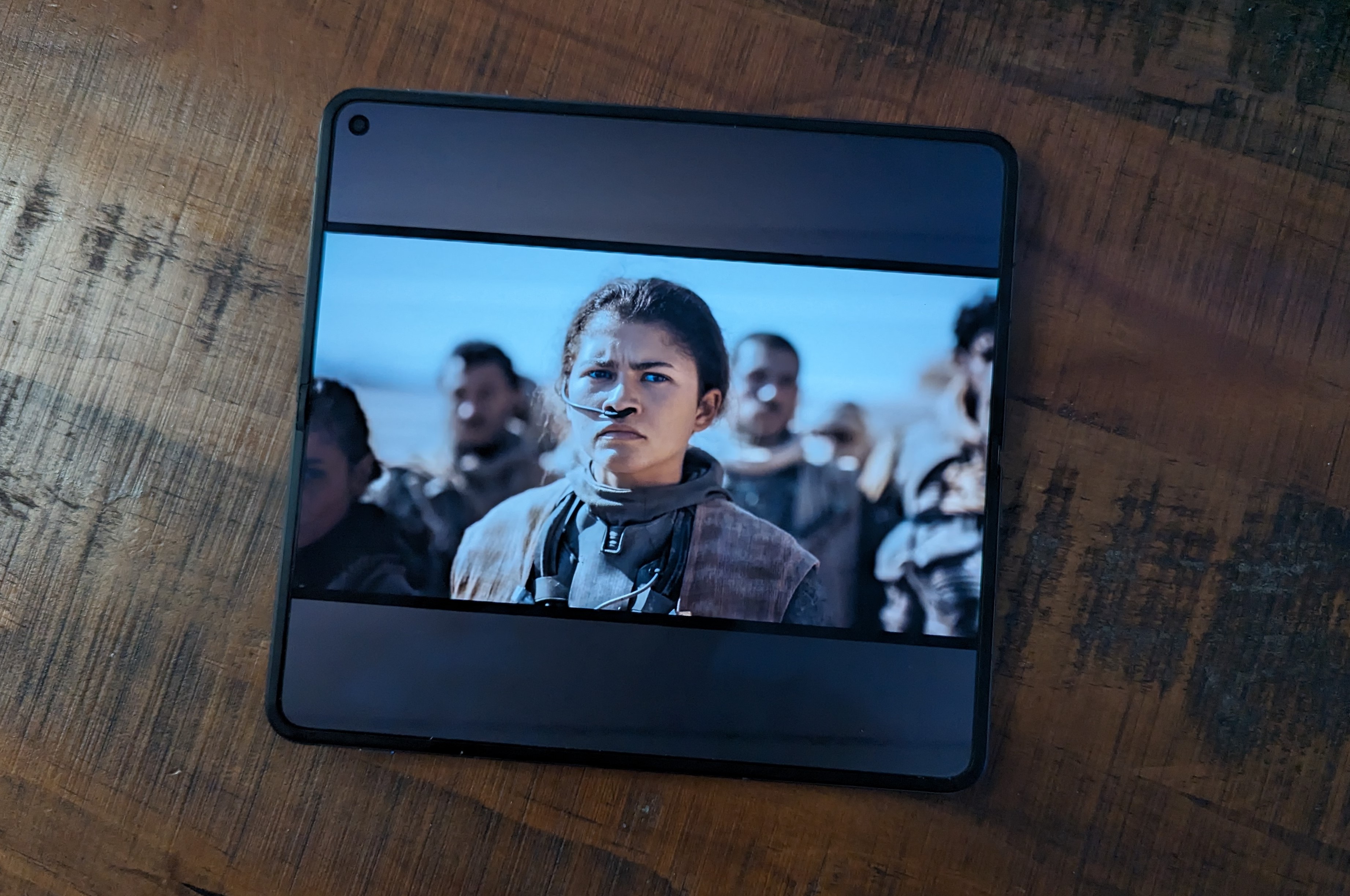
Both displays do support Dolby Vision so if you are watching content from say Netflix or other areas it will push the details. Unfortunately, the OnePlus Open doesn’t support a stylus well sort of. Only one stylus is known to work for the Inside Display which is the Oppo Pen that is $130 and it’s only available internationally.
Oxygen OS
I have been using OxygenOS since its inception, but this is the first time seeing it used on a foldable. The OS is fluid as far as navigating between screens and utilizing gestures. The device maximizes multitasking allowing you to have two or even three screens going on at one time with no lag. The taskbar at the bottom gives you a desktop-esque look allowing you to jump from app to app.


One thing that may deter people coming from a Pixel Fold or Galaxy Fold is that you can’t have two separate setups. Whatever you have on your Cover Screen translates to your Inside Display. Some foldable users like to have the feeling of having different apps being used per screen and such.


Best OnePlus Camera
I said this about the OnePlus 11, but this is easiest the best camera setup OnePlus has created. We are getting a Triple Camera System backed by Hasselblad compromised of 48MP(Main), 64MP(Telephoto), and 48MP(Ultrawide). I was quite impressed with the imagery I got off this phone. Giving me accuracy with colors and its star of the show is 6x In-Sensor Zoom. With the ability to get in closer and not lose detail was nice. It does zoom out to 120x but at that point you are just doing it for fun. The selfie camera is 20MP, but I can’t think of how often I used it. But the shots I snapped from it weren’t bad. Still not my phone of choice for selfies.





Usage
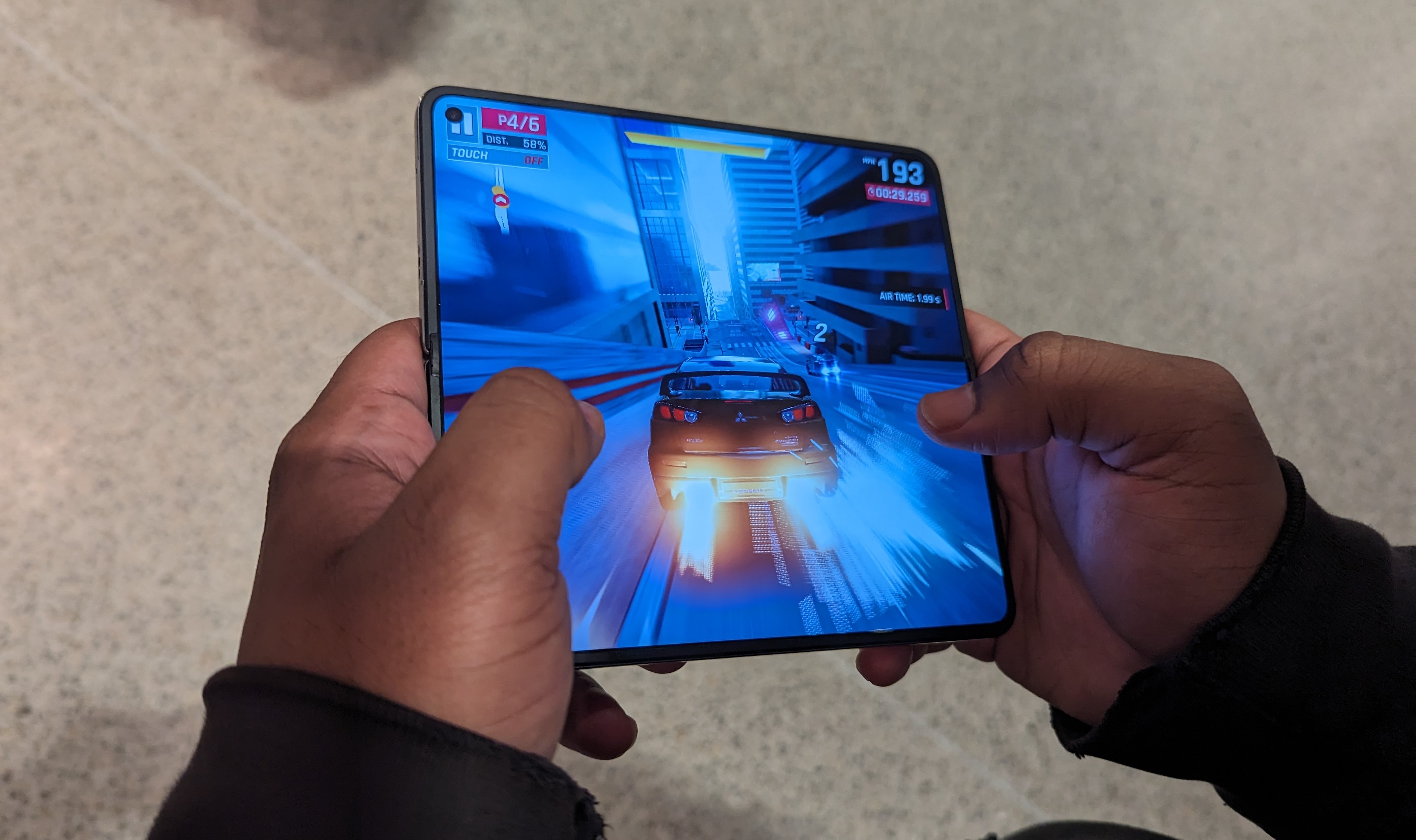
I have been using the OnePlus Open as my main device for over one hundred days now and it’s simply hard to switch to anything else. Battery life has been good, but its super-fast charging does the job. Snapping photos has been good and it did so where I didn’t have to grab my Pixel 7 Pro or iPhone 15 Pro. I have recorded a video with it and it’s fine. Consuming content on it unfolded and being light in the hand has been good. It does so good with memory retaining your spot even days later.
Verdict
I have stated to most that the OnePlus Open is arguably the best phone they have created and applies some needed pressure on Samsung’s Z Fold Series. It presents everything you want in a foldable as far as great looking inner display, wide enough outer display, nice camera, and impressive hardware that has kept it ticking without fail. It does retail for $1699 but there are deals where I seen it for $1499 before any trade-ins if you look around.

